
What makes a water tracker "science-based"?
Most water trackers do the same basic job: you tap to log a drink, and the app counts millilitres toward a goal. A science-based tracker goes further on four points that actually have research behind them.
- A personalized target from reference intakes. Daily needs vary by body weight, activity, and climate. A science-based target starts from established figures — the EFSA and IOM reference intakes — and adjusts them, rather than defaulting everyone to a flat 2 litres.
- Hydration credit weighted by the beverage hydration index. Not every drink hydrates like water. The peer-reviewed beverage hydration index (Maughan et al., Am J Clin Nutr 2016) shows milk is retained better than water, while coffee, tea, and soda land about the same. A science-based tracker can credit drinks by retention, not just raw volume.
- A visible methodology. A number is only as trustworthy as the reasoning behind it. A science-based tracker shows its formula and cites its sources instead of presenting an unexplained figure.
- Privacy by design. Hydration logs are personal. Keeping data on the device, with no account required, is both a privacy feature and a trust feature.
Any tracker can count millilitres. These four points are what separate a science-based tool from a simple counter.
How AquaTrack approaches each
AquaTrack was built specifically around those four principles.
- Personalized target. Your daily water target is calculated from reference intakes and adjusted for body weight, activity, climate, and current weather — not a fixed default. See the full method on the methodology page.
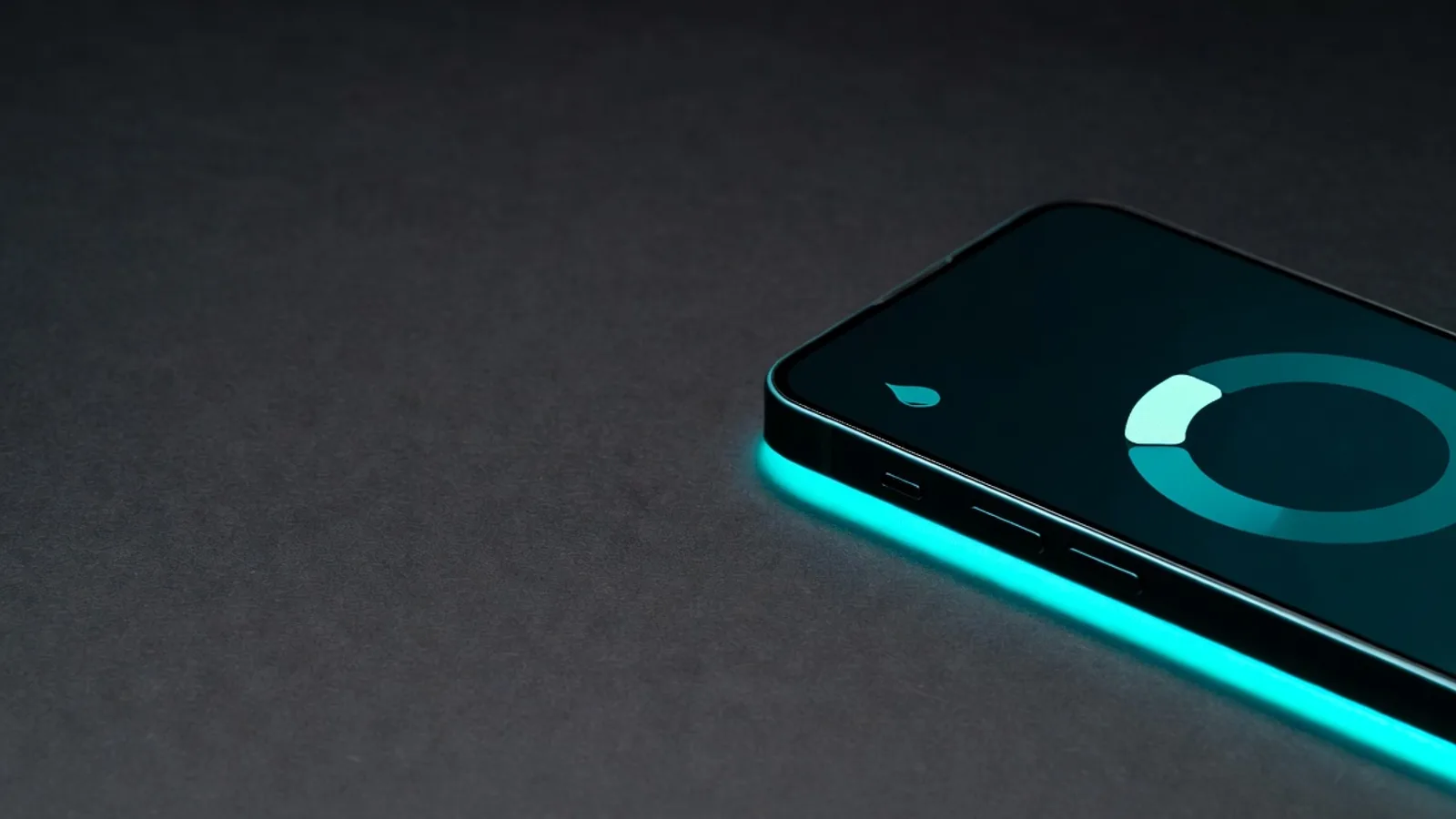
- Beverage hydration index credit. AquaTrack applies the published beverage hydration index values to credit each logged drink by how much it actually hydrates. A dual-ring display separates raw volume from hydration credit, so you see both at once.
- Open methodology. A dedicated methodology screen shows the formula and the studies behind it, so the numbers are not a black box.
- On-device and private. AquaTrack stores your data locally, requires no account, and includes no analytics or tracking inside the app.
| What a science-based tracker should do | How AquaTrack does it |
|---|---|
| Personalize the target from reference intakes | Calculates from EFSA/IOM intakes, adjusted for weight, activity, climate, and weather |
| Credit drinks by how much they hydrate | Applies published beverage hydration index values; dual ring shows volume vs hydration credit |
| Show its methodology and sources | Dedicated methodology screen citing the underlying studies |
| Keep data private | On-device storage, no account, no in-app analytics |
| Sync with Apple Health | Two-way HealthKit sync, plus widgets and a Live Activity |
Looking for a WaterMinder alternative?
Popular trackers such as WaterMinder are capable, well-liked logging apps. If what you specifically want is hydration credit weighted by the beverage hydration index, a daily target derived from reference intakes, and a visible methodology you can check, those are the principles AquaTrack is built on. Whichever app you choose, the four criteria above are a useful checklist for judging how science-based it really is.
Does it work with Apple Health?
Yes. AquaTrack reads from and writes to Apple Health (HealthKit), so water logged in other apps appears in AquaTrack and water logged in AquaTrack appears in Apple Health. It also includes Home Screen and Lock Screen widgets, a Live Activity, and App Intents for fast logging.